> ## Documentation Index
> Fetch the complete documentation index at: https://docs.labelbox.com/llms.txt
> Use this file to discover all available pages before exploring further.
# Understanding your workspace
> A guide for navigating and managing your workspace in Labelbox.
This section introduces you to the concept of workspaces, the foundation for organizing projects, data, and users in Labelbox.
## What is a workspace?
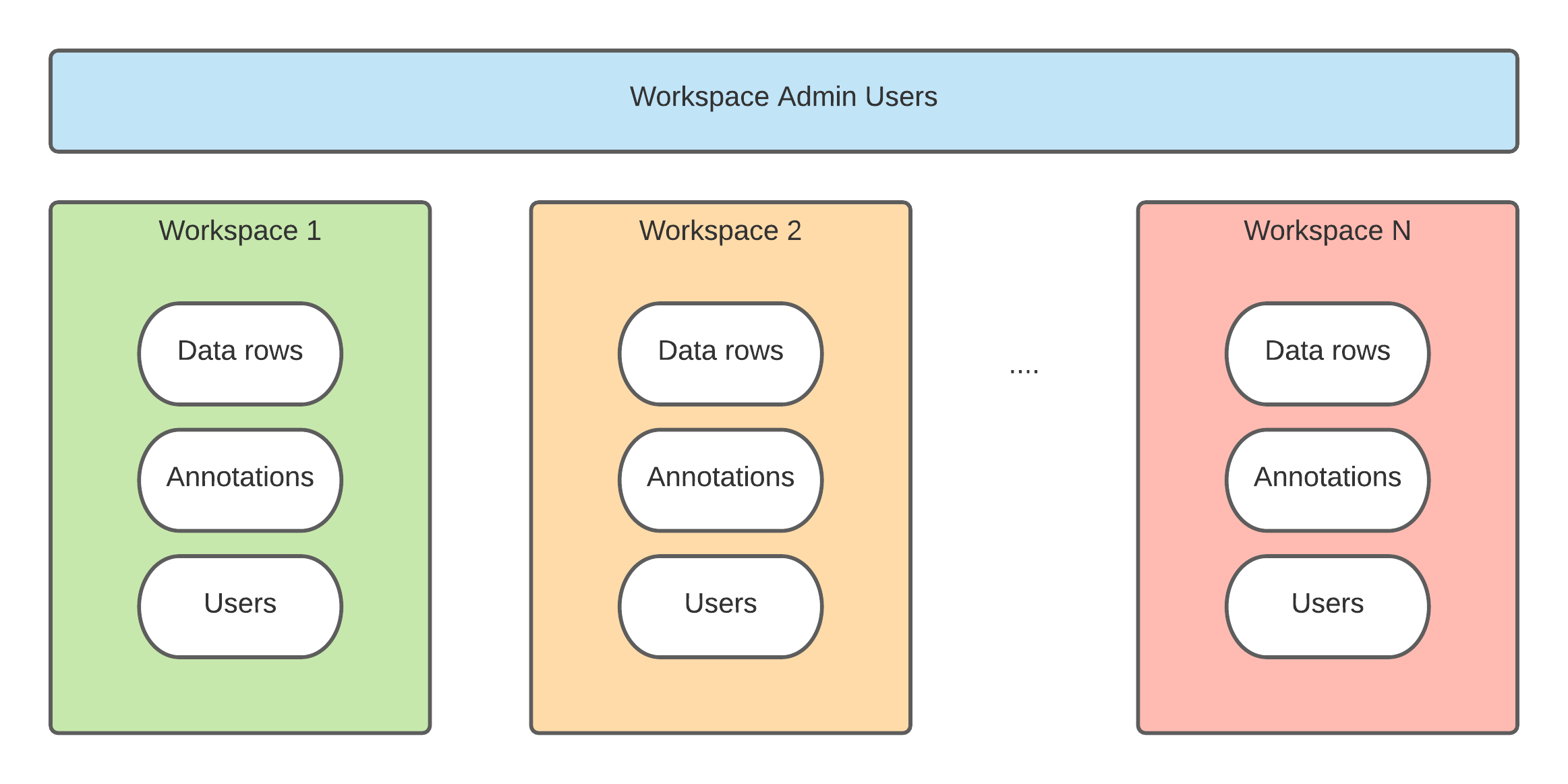
Workspaces allow large organizations to manage multiple Labelbox instances with a single account. Think of each workspace as a separate, self-contained instance of Labelbox with its own projects, datasets, and members.
This is useful for separating work between different business units or maintaining distinct development and production environments. Annotations from all workspaces are aggregated for billing purposes.
A **Tenant Admin** is a special role that has administrative access across all workspaces within an organization. They can view, add, and manage users across multiple workspaces. The first user of a new enterprise account is automatically a Tenant Admin. To grant this role to additional users, please contact our support team.
 ## Switch between workspaces
If your organization has multiple workspaces, you can easily switch between them.
**To switch workspaces:**
1. Click your initials in the bottom-left corner of the navigation panel.
2. Select **Switch workspace** from the menu.
3. Click on the name of the workspace you wish to access.
## Request additional workspaces
The ability to have multiple workspaces is available to organizations on the Enterprise plan.
To request an additional workspace for your organization, please contact sales to upgrade or reach out to our support team if you are already on the Enterprise plan.
## Switch between workspaces
If your organization has multiple workspaces, you can easily switch between them.
**To switch workspaces:**
1. Click your initials in the bottom-left corner of the navigation panel.
2. Select **Switch workspace** from the menu.
3. Click on the name of the workspace you wish to access.
## Request additional workspaces
The ability to have multiple workspaces is available to organizations on the Enterprise plan.
To request an additional workspace for your organization, please contact sales to upgrade or reach out to our support team if you are already on the Enterprise plan.